
The space between your camera and your subject changes how a portrait looks. When you compare a 50mm lens with an 85mm lens, watch where you stand as well as which lens you use.
On the same camera, an 85mm lens shows a narrower view than a 50mm. If you want the person to stay the same size in your frame, you'll usually move farther back with the 85mm. That change in distance affects perspective: how large nearby and distant things look compared with each other. Nikon explains focal length and angle of view, and Cambridge in Colour separates camera position from perspective.
You can study both choices without deciding that one lens has to win.
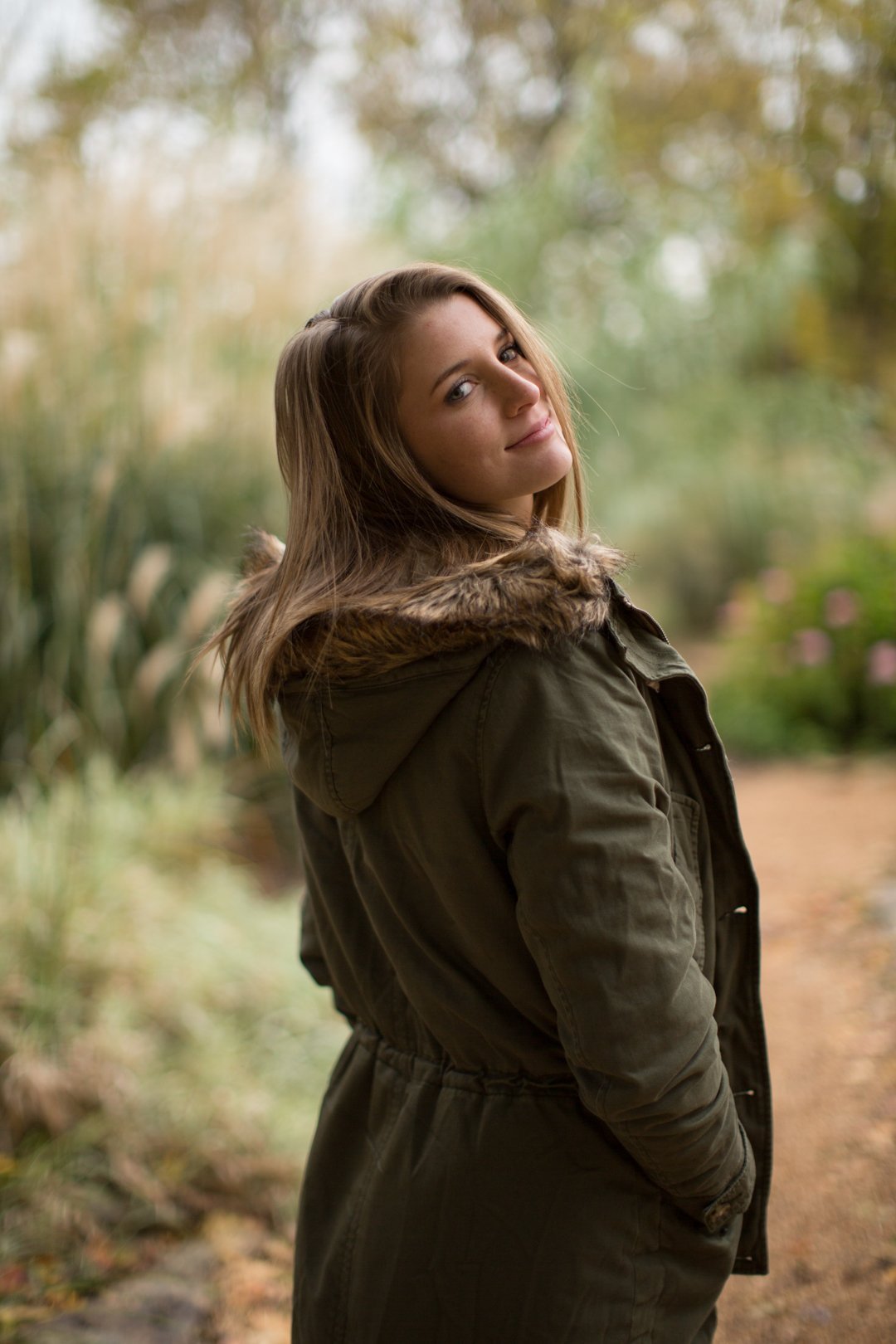
A portrait from the original lens lesson. Look at the person and the space around them.
Watch the shoot and the edit
Watch the original lens comparison, then follow the Lightroom edit from the same session. Use the exercises below to test camera distance with your own photos.
Unedited photos: 50mm vs. 85mm
Watch the shoot and compare the photos before editing.
Edited photos: the Lightroom walkthrough
Watch the finished edits and follow the Lightroom process.
First, keep the camera in one place
Choose a still subject with something behind it, such as a chair in front of a bookshelf. A willing portrait subject works too.
Take one photo at 50mm and another at 85mm. Keep the camera in the same spot and point it in the same direction. Keep the subject still. Use the same camera body for both.
The 85mm frame includes less of the scene. To compare perspective, crop a copy of the 50mm photo until the subject is about the same size as in the 85mm photo. Look at the relative sizes of the subject and background.
With the viewpoint held steady, those size relationships should stay much the same. A crop changes the frame; it doesn't move the camera. Allow for small differences from lens distortion and alignment. This is a perspective exercise, so set aside differences in sharpness and background blur. Cambridge in Colour's lens tutorial explains this distinction.
Next, move to keep the framing the same
Take a portrait at 50mm. Notice where the top of the person's head and shoulders sit in the frame.
Switch to 85mm, then step back until the framing is close to the first photo. Keep the camera at the same height. Leave the person and background in place.
Now compare the two photographs:
- How large does the background look beside the person?
- How much of it fits around their shoulders?
- How do the nearer and farther parts of the face look?
- Which camera position gives you the portrait you wanted?
Moving farther away reduces the relative size difference between things near the camera and things farther away. This helps explain the effect often called lens compression. The distance change is a key part of it. Cambridge in Colour shows how distance affects telephoto perspective.
Choose the camera position for the portrait
Before changing lenses, look at the whole frame. You might want a face to fill it. You might want to include the person's hands, a doorway or the place where they work.
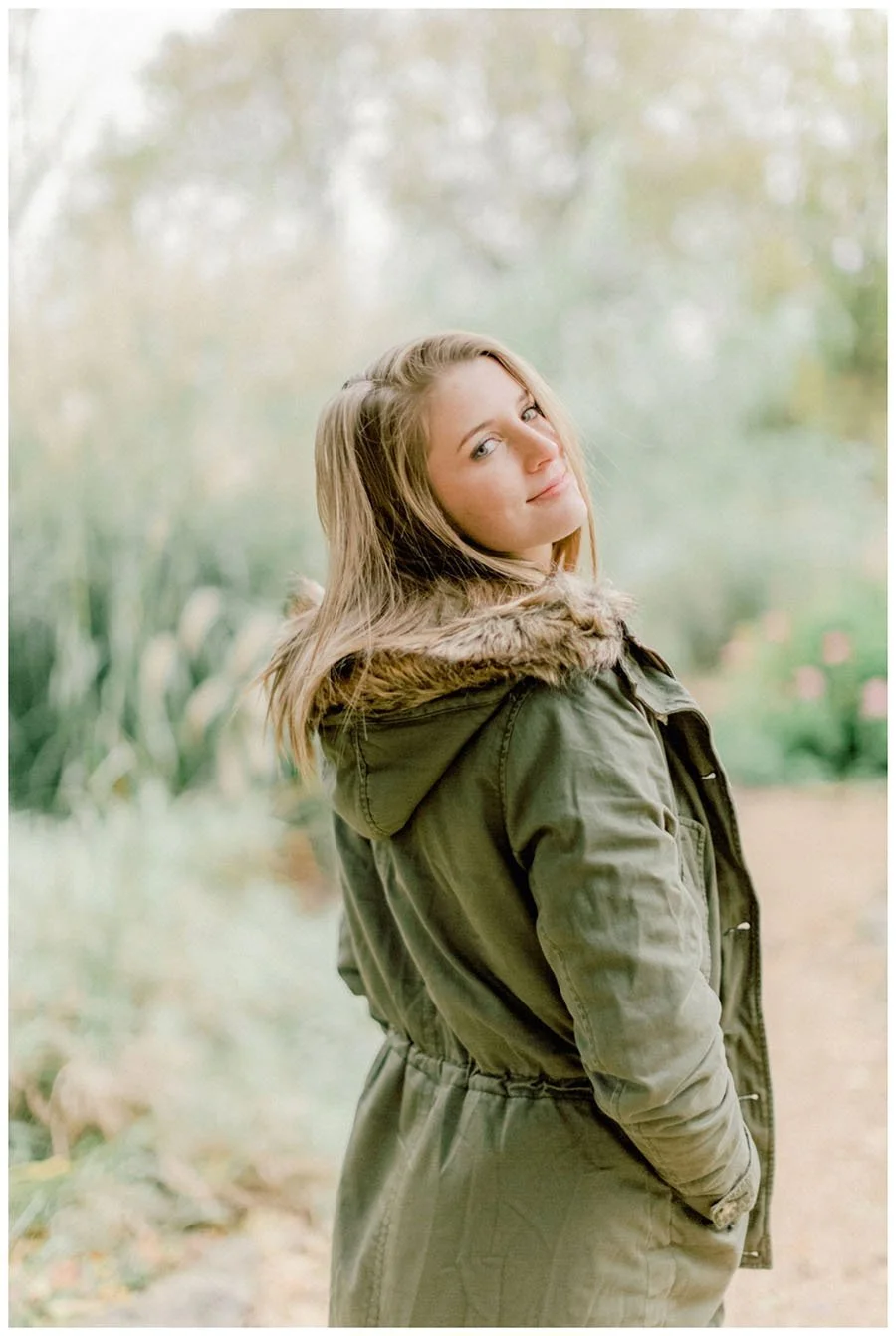
Notice the size of the person and the background when you choose a camera position.
Choose a position that gives you the relationship you want between the person and their surroundings. Then choose a focal length that gives you the framing you need from there.
Check your subject's comfort too. Leave enough room to talk and give clear directions. A useful lens choice includes the way you work with the person in front of you.
Keep the comparison fair
Use the same camera for both tests. Sensor size affects how much of a scene a lens includes, so switching camera bodies can introduce another change. Nikon's focal-length guide explains the effect of sensor format.
Keep the light steady. Check that the face has similar brightness in each photograph and that important bright areas keep their detail. Record the focal length and camera position. If you also change the pose, lighting or edit, you'll have more changes to sort through.
Try it with the lens you have
If you own a zoom that covers both focal lengths, use it. With one prime lens, take a photo, move farther back and take another. Crop a copy of the wider view to match the subject's size. That lets you study distance without buying a second lens.
Put the results side by side. Name one change in the face and one in the background. Choose the distance you would use for your next portrait, and say what you want it to show.
Frequently asked questions
Does an 85mm lens change perspective by itself?
Camera position determines perspective. When you use an 85mm and step back to keep the framing, that new position changes the size relationships in the scene.
Can I do the test with one zoom lens?
Yes, if your zoom covers both focal lengths. Use the same camera body and record where you stand for each frame.
Does cropping replace moving the camera?
A crop changes what you include in the frame. Moving the camera changes your viewpoint, so the two choices can produce different results.
Should the aperture stay the same?
Keeping it the same removes one variable. Still treat blur and sharpness as separate questions from perspective, because focal length, distance and framing also affect the comparison.
Is one focal length better for every portrait?
Choose the position and framing for the photograph you want. Your subject, surroundings, camera format and working space all inform that choice.
